Frontend: test
Initialization steps
- Connect MetaMask
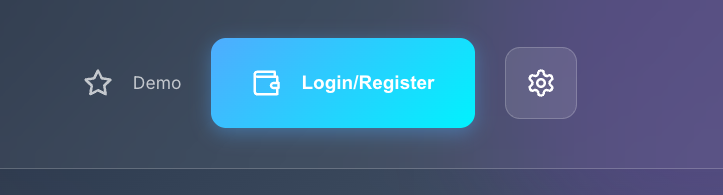
- Login/register
Create FT4 account on Rell dapp side.
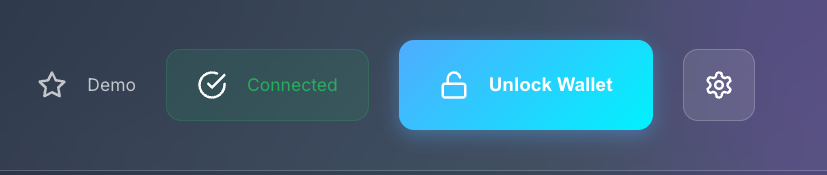
- Unlock wallet
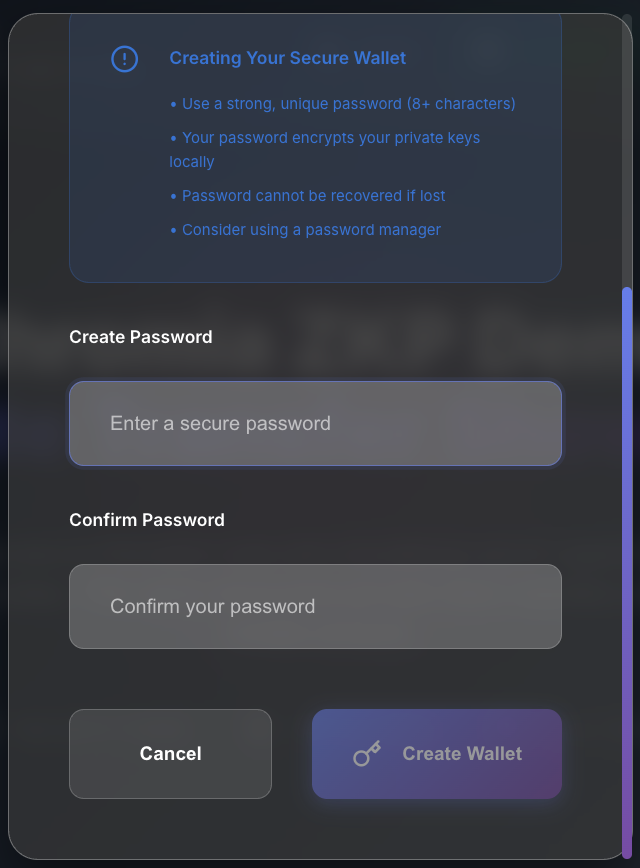
The unlock wallet part is a step that is created to securely generate an encryption keypair that would be used for decrypting/encrypting private operation data from logs. This is used to derive and calculate the total private balance of users, as well as for encrypting private data.
- Register private address
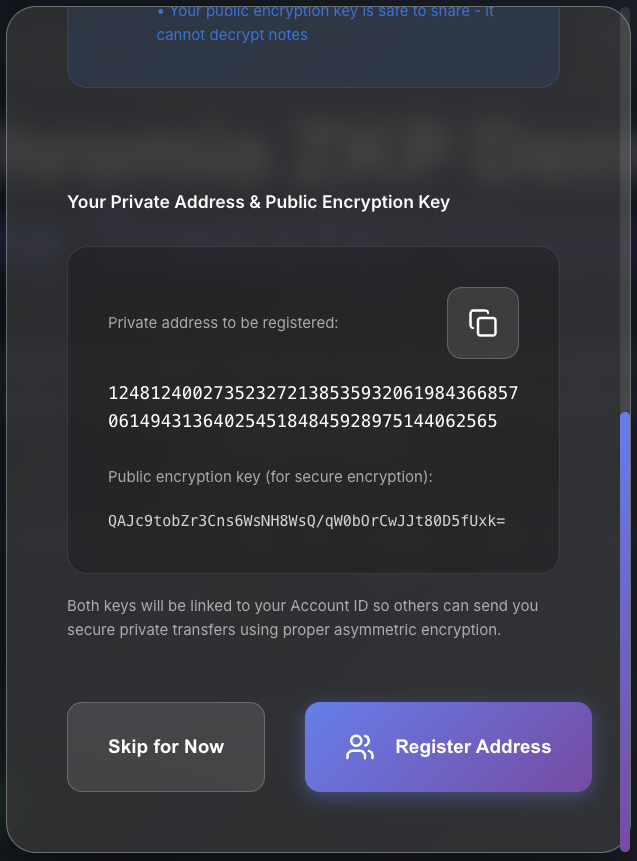
This is for users to be able to receive private transfers. The private address is not hidden; it is being used in the registry to target a certain user more easily with a fixed value. This is a preference and not a technical requirement in order to achieve this demo.
Demo scenarios
Basic flow demo
- Open app (keys auto-generated)
- Get 1000 tokens from faucet
- Shield 500 tokens (public → private)
- Transfer 200 tokens to random recipient
- Unshield remaining 300 tokens (private → public)
Privacy demo
- Show public balance is visible on blockchain
- Shield tokens to make them private
- Demonstrate private transfers don't reveal amounts
- Show how recipient addresses are hidden
- Unshield to convert back to public when needed
Multi-user demo
- Generate multiple random recipients
- Show how private transfers work between users
- Demonstrate that only the recipient can decrypt their notes
- Show how nullifiers prevent double-spending